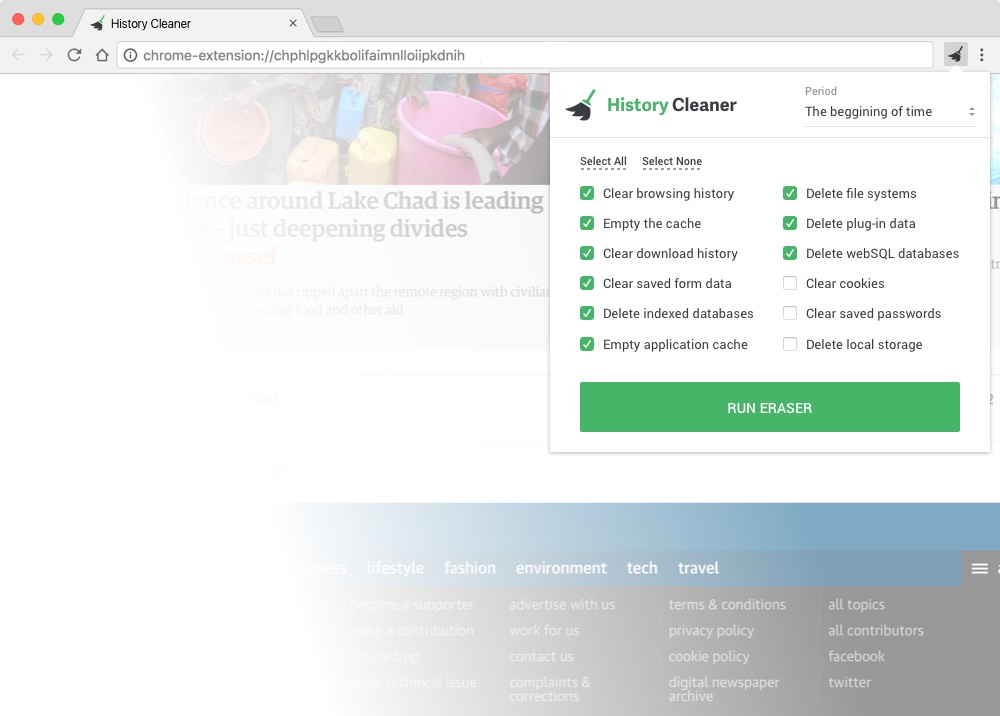
History Cleaner freeware History Cleaner.net      

free history cleaner

History cleaner freeware : Clean history free

Free history cleaner - easily cleans history tracks from your PC

Why you need history cleaner software

Your PC stores all your history tracks - what web sites you visited, what you searched in the Internet, information you enter on websites, files and documents you recently opened etc. But some history tracks can't be cleaned without clean history software as they are stored in different system areas, not always visible by standard means and can't be removed manually.

Don't want to compromise your privacy? Clean history with one click! Download history cleaner freeware
ClearAllHistory - advanced history cleaner software

Clean history

Clear All History is history cleaner software that protects your Internet privacy by cleaning up all the tracks of your Internet and computer activities. Clear All History supports Internet Explorer, MSN Explorer, Maxthon (MyIE2), Mozilla, Mozilla Firefox, Netscape and Opera web browsers. Also you can use this history cleaner software to clean history tracks left by different applications.

Clean Internet History
• clean history in Internet Explorer (browser history, Temporary Internet Files, cookies, index.dat files)
• clean history in MSN Explorer
• clean Maxthon (MyIE2) history (browser history, cache, cookies)
• clean history tracks in Mozilla (browser history, cache, cookies)
• clean Firefox history (browser history, cache, cookies, download history)
• clean history tracks in Netscape
• clean history in Opera
• clean search history
• clean history of Google Toolbar, Yahoo Toolbar and MSN Toolbar
• delete forms AutoComplete
• delete passwords AutoComplete
• clean address bar history (typed URL history)
• delete ALL index.dat files
• delete cache
• delete cookies
• clean download history

Clean Windows history
• Windows Temporary Folders
• Recent Documents list
• Recently open/save files list
• Page file (swap file)
• Windows Run History
• Windows search "Files and Folders" and "Computers" History
• Start Menu open programs history

Clean history in different applications
• Microsoft Office recent documents history
• Windows Media Player history and more

• advanced scheduler to clean history automatically

History cleaner software
Delete History Free
Free history cleaner software

Delete History Free is free history cleaner software that helps you easily clean history tracks from your PC with one click.
What history tracks you may clean using free history cleaner:
• clean browser history
• clean history of URL AutoComplete
• clear history index.dat file content in Internet Explorer
• clean history OF Windows Temporary files
•  clear clipboard
• delete Recent Documents list
• Empty Recycle Bin

Clean Browser History - deletes information about web sites you visited, address bar history and recently downloaded files list in Internet Explorer, Mozilla, Mozilla Firefox, Netscape and Opera.

Clean history index.dat file content in Internet Explorer - clears the content of index.dat file which stores information about your Internet surfing and can't be deleted manually as it is a system file used by Windows all the time.

Delete Windows Temporary Files (current user Temporary directory and Windows Temporary folder that store Windows and other programs temporary file) - deletes files from programs you no longer have installed or files which may violate your privacy.

Clear clipboard - we often use copy/paste commands while working with logins, passwords, credit card numbers and other secure information. Using 'Clear clipboard' feature you can protect your privacy and easily clear your clipboard information.

Delete recent documents list - allows you to clean up the "recently opened documents" list located in the Start menu

Empty Recycle Bin - completely deletes files from your computer by removing them from the Recycle Bin.

Supports different web browsers - supports Internet Explorer, Mozilla, Mozilla Firefox, Netscape and Opera.

   Copyright © 2013    History Cleaner .net   All rights reserved     Privacy Policy     Sunday, May 26, 2013